


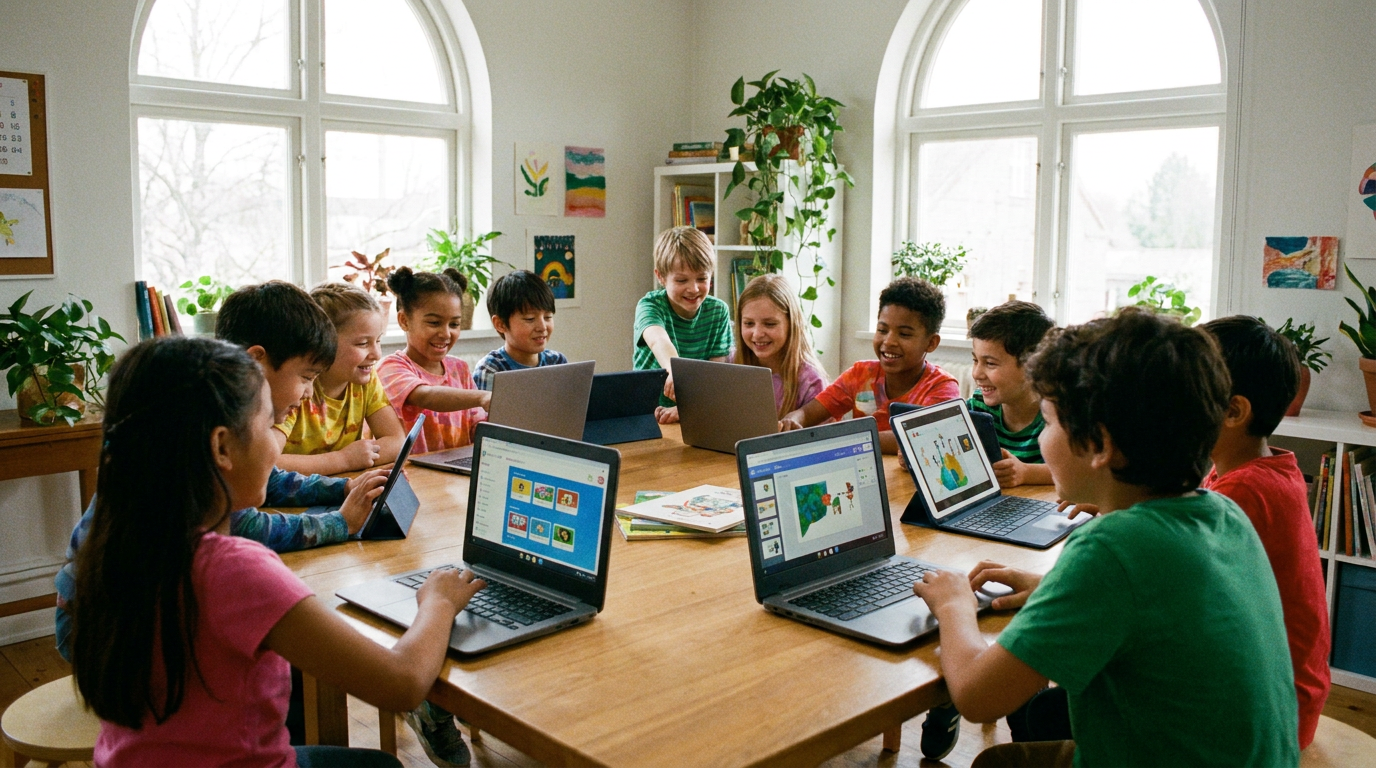
The modern school day is a screen day. There’s a Chromebook on the desk, a smartboard at the front of the room, a math program that adapts in real time, a homework portal that opens at 7pm, and a reading app before bed. Screens aren’t a distraction from your child’s education anymore. They are the delivery mechanism for it.
Most parents don’t feel guilty about this. They feel something more specific: the sense that it’s outside their control. You can’t email the district and ask them to go back to paper.
So let’s reframe it.
We’re not anti-screen. We’re pro-preparation. You can’t remove the screens, but you can build a child whose eyes are ready for them.
Long stretches of screen time can leave anyone’s eyes feeling tired and uncomfortable — if you want the full explanation of why, our guide on how excessive screen time affects your eyes covers the mechanics of eye strain in depth. This guide does something different. It’s five concrete moves you can make tonight: an honest audit, a workstation that fits your child, an outdoor habit, an age-matched plan, and support from within. Think of it as the child-specific companion to our back-to-school hub.
Because healthy eyes are ready to learn. And before you can protect your child’s eyes, it helps to understand why they aren’t simply smaller versions of your own.
Why Children’s Eyes Are More Vulnerable Than Yours
A child’s visual system isn’t finished. Through the school years, their eyes are still growing, still changing, still calibrating themselves against the world they’re asked to look at every day. That makes childhood a uniquely formative window — and a uniquely worthwhile one to support.
What fills that window now is near work. Reading, writing, worksheets, tablets, phones, and hours a day of sustained close focus. It’s the defining visual feature of modern childhood, and it looks nothing like the childhood most parents had.
This is where the research gets interesting for parents. Higher amounts of near work are consistently associated with a greater likelihood of nearsightedness in children — one large meta-analysis found children with high near-work exposure had roughly 30% greater odds of being myopic than children with low exposure. That’s context, not a verdict. Near work is one factor among many, alongside genetics and time spent outdoors, and the American Academy of Ophthalmology’s guidance on screen use for kids is a good neutral starting point if you want to read more.
There’s also a purely physical issue: kids hold screens closer. Shorter arms mean shorter viewing distances, and children almost never notice or correct it on their own. Research on viewing distance and eyestrain symptoms shows how much that gap matters over a long session.
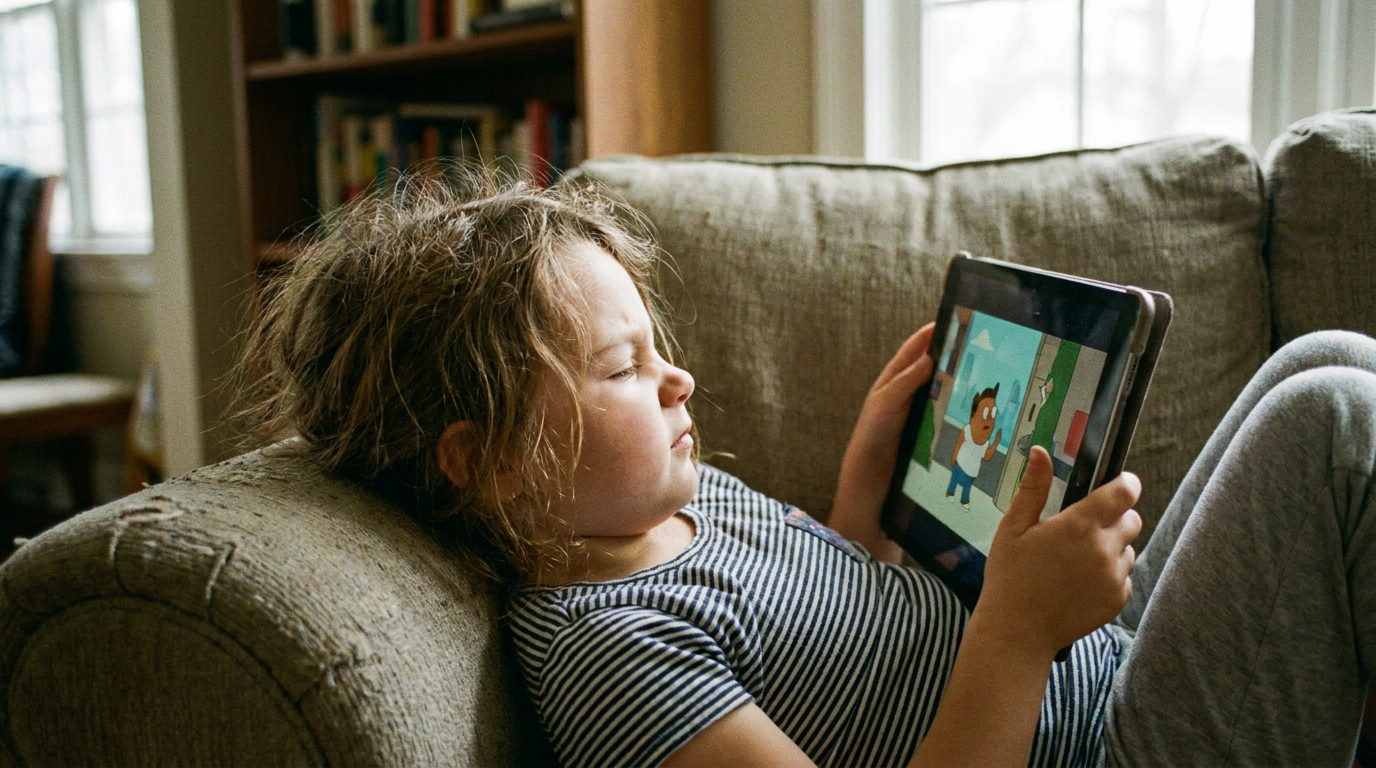
But the single most useful thing to know is this: children almost never self-report eye discomfort.
Children don’t tell you their eyes hurt. They tell you the homework is boring.
They rub their eyes. They lose their place while reading. They get a headache after a long screen block. They squirm, they stall, or they simply stop. Behavior is the signal — not complaints. Our back-to-school eye health checklist has the full list of what to watch for.
None of this is cause for panic. It’s the reason the small environmental changes in this guide matter more for a child than they ever would for an adult. And the first one is simply finding out how much screen time your child is actually getting — a number most parents get wrong.
Do the Math: Your Child’s Real Daily Screen Load
Ask a parent how much screen time their child gets and they’ll usually answer honestly — about the screens they can see. The tablet after dinner. The phone in the evening. The Saturday morning stretch.
What almost nobody counts is the school day, because it happens out of sight. A device for most lessons, a smartboard at the front, digital reading and math programs, assessments taken on-screen. Those hours are real, and they’re invisible from your kitchen.
So run a one-week tally. No app required — a notebook on the counter works fine. Three buckets:
| Screen Source | Typical Weekday Hours | Who Controls It |
|---|---|---|
| Classroom devices (Chromebook, tablet, smartboard) | Ask your child’s teacher | School |
| Homework portals, research, digital reading | Time one typical evening | Shared |
| Recreational (games, video, social, messaging) | Check device settings | Home |
| Daily total | Add all three | — |
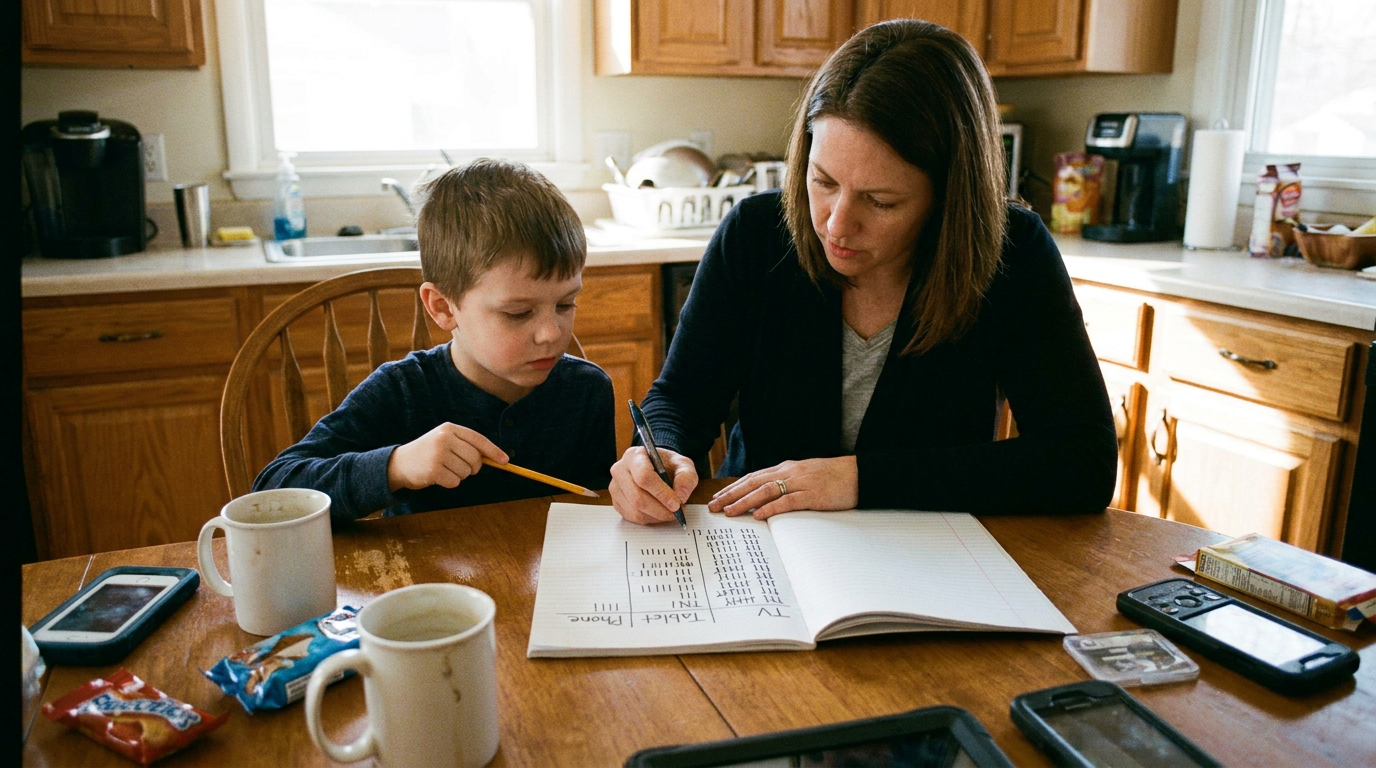
When parents add all three buckets, the total is usually well above their estimate. That’s not a reason for guilt — it’s a reason to right-size the response. You can’t manage a number you’ve never measured.
The classroom bucket is the one you’ll need help with, so ask. Three non-confrontational questions work well at conferences or in an email: How many hours a day are students on devices? Are screen breaks built into the schedule? Is recess held outdoors? Teachers field this constantly and generally appreciate a parent who frames it as partnership rather than complaint.
To be clear, the goal is not zero. Much of that number is the curriculum. The goal is an accurate baseline, so the next three sections can actually do their work.
Once you know the number, the highest-leverage change is fixing the place where the most controllable hours happen — the homework station.
Build a Screen-Smart Homework Station
Here’s the setup in most homes: a child at an adult desk, in an adult chair, on an adult-height surface. Feet dangling. Screen too high. Glare straight ahead. Every dimension is wrong, because the furniture was never designed for a four-foot human.
The good news is that nothing here requires a purchase.
Screen distance. Roughly an arm’s length away — and measure with their arm, not yours. A child’s reach is significantly shorter, which means “arm’s length” for a nine-year-old is a genuinely different distance than the one you’d pick for yourself.
Screen height. The top of the screen should sit at or just below your child’s eye level, so their gaze angles slightly downward. Laptops are the repeat offender, because the screen is welded to the keyboard. A stack of hardcover books under the laptop is a free, five-second fix.
Feet supported. This is the detail nearly every parent misses. Feet flat on the floor, or on a box, footstool, or stack of books if the chair is too tall. Unsupported feet make a child slump forward — and slumping forward drags their face toward the screen, undoing your careful distance work.
Glare to the side. Position the desk so windows and lamps fall to the side, rather than behind the screen or behind the child. Our back-to-school checklist covers lighting and glare in full detail.
Breaks. The 20-20-20 rule is the simplest habit to build into homework time: every 20 minutes, look about 20 feet away for 20 seconds. Make running the timer your child’s job — ownership beats enforcement every time. The American Optometric Association offers a printable 20-20-20 one-pager you can tape directly to the wall above the desk, and our screen time guide explains the reasoning behind breaks and screen positioning if your child is the type who asks why.
Tonight’s Five-Minute Check
- Have your child sit in their chair. Are their feet flat, or dangling?
- Have them stretch one arm toward the screen. Do their fingertips just reach it?
- Look at the top edge of the screen. Is it at or below their eye level?
- Check for a window or lamp directly behind the monitor.
- Set a 20-minute timer and hand your child the phone or clock.
The AAO’s overview of digital devices and your eyes is a useful backup if you want a second opinion on any of it.
As valuable as a good workstation is, though, the single most powerful thing your child can do for their eyes happens entirely off-screen.
The Outdoor Prescription: The Habit You’re Not Tracking
Time spent outdoors is one of the most consistently supported protective factors in children’s eye health research. Not a supplement, not a gadget, not a screen setting. Daylight.
For most parents, this is new information — and it’s genuinely good news.
The target most often cited in the research: about 1.5 to 2 hours a day outdoors, or roughly 10 to 14 hours a week.
Treat that as a friendly target, not a prescription. And here’s the honest nuance that matters: the evidence is strongest for delaying the onset of nearsightedness in children who aren’t nearsighted yet. It’s more mixed when it comes to slowing progression in children who already are.
What seems to matter most is the light itself, not the exercise. Outdoor daylight is dramatically brighter than any indoor room — which is why a walk around the block is meaningfully different from a treadmill in the basement. There’s a bonus, too: outside, your child’s eyes naturally spend time focused at distance instead of eighteen inches from their face.

Fitting it into a packed school year is easier than it sounds:
- Walk or bike part of the route to school, even just the last few blocks.
- Move snack time to the porch, the yard, or the front steps.
- Do reading or flashcards outside while the light lasts.
- Ask whether recess is held outdoors — and how often.
- Protect one weekend outdoor block the way you’d protect a practice.
- Take the dog out together after homework.
A fair question comes up here: if we’re sending kids outside, what about sun protection? The two aren’t in conflict — outdoor time and sensible UV protection go together, and our explainer on UV light versus blue light sorts out which is which. The AAO’s screen use guidance for kids and the AOA’s overview of computer vision syndrome both reinforce the same balance-of-habits approach.
Support From Within
Habits come first — nutrition complements them, it never replaces them. For a child, the most age-appropriate place to start is Eye Omega Benefits for Kids Liquid, an ultra-purified rTG omega-3 formulated specifically for children. The broader science of how dietary nutrients support the macular pigment — the eye’s own natural filter — is worth understanding, and we covered it in the back-to-school checklist rather than repeating it here.
For the adults in the house, the screen-specific option is EyePromise Screen Shield Pro — a once-daily softgel made with zeaxanthin and lutein, formulated for adults 18 and up who spend long hours on digital screens, and designed to support glare response and light sensitivity. It’s the same supplement we point to in our screen time guide, and you can see it alongside the rest of the screen time collection. If occasional dryness is the bigger issue after your own long digital day, DE3 Omega Benefits and EyePromise EZ Tears are the ones to know. Always defer to an eye care professional on what’s appropriate for your specific child — supplement suitability varies by age, and formulas made for adults aren’t automatically right for kids.
Of course, the right approach also depends on the child in front of you. A second grader and a sixteen-year-old need very different plans.
Age-by-Age Screen Strategies and Youth Contact Lens Wearers
The goal shifts as your child grows: from parent-set structure in elementary school, to shared negotiation in the tween years, to genuine self-management by the teens.
| Age Band | What Changes | Your Best Move |
|---|---|---|
| Elementary (5–10) | Little self-awareness of discomfort; screens mostly assigned | Parent-run timers, hands-on workstation setup, protect outdoor play |
| Tween (11–13) | Personal devices arrive; recreational screens climb sharply | Co-create the rules, make the timer their job, keep screens out of the bedroom |
| Teen (14–18) | Long homework blocks, social and gaming load, contacts common | Coach self-management, tie eye comfort to what they care about |
The conversation matters as much as the rule. Lead with curiosity instead of restriction: “Do your eyes ever feel tired after a long stretch on that?” Then tie the ask to something they already want — sharper focus in the third hour of a gaming session, less end-of-day fatigue during homework, clearer vision on the field. With older kids, let them co-write the rules. Adherence follows ownership, every time.
If Your Teen Wears Contact Lenses
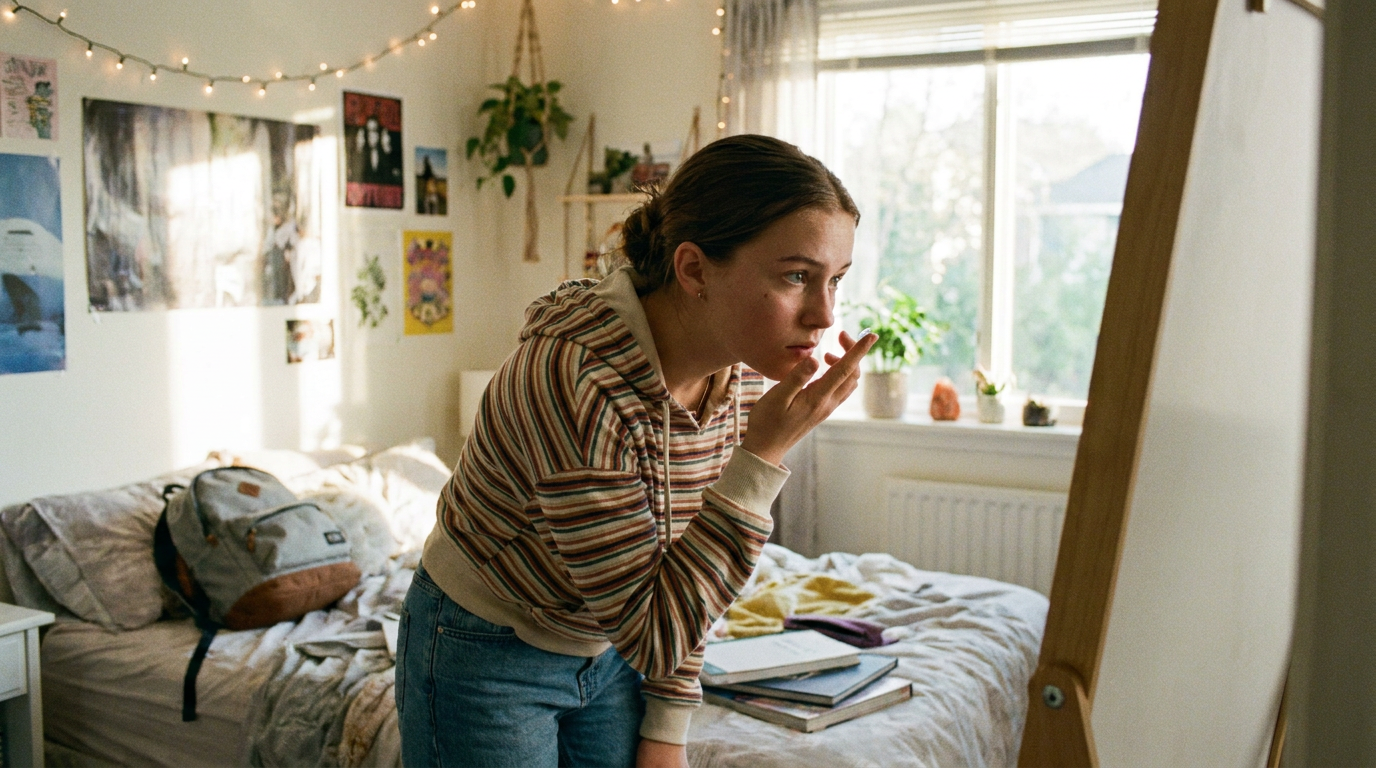
Screens reduce how often we blink, and less blinking means lenses can feel dry, gritty, or plain uncomfortable by the end of a long school day. It’s one of the most common complaints among teens in kids contact lenses, and it’s often mistaken for a bad lens fit when it’s really a bad screen day.
Practical moves: build breaks into homework blocks, keep wear time within what their eye care professional advised, and never sleep or swim in lenses unless specifically directed — the CDC’s contact lens guidance is worth reading together, because it lands differently coming from a public health source than from a parent.
A clean lid margin also supports comfortable lens wear, and a simple daily routine helps more than most teens expect. Options like Avenova Lid & Lash Cleansing Spray and the EyeEco Tea Tree Eyelid & Facial Cleanser, Gentle fit easily into a morning routine. Our guide to the daily eyelid hygiene routine every family should know walks through the whole thing.
If your teen reports end-of-day dryness regularly, how to support your occasional eye dryness is the natural next read. We’re also publishing a full deep-dive on teens and contact lenses soon: [LINK PLACEHOLDER — Blog 10: Teen Contact Lenses].
A few questions come up in nearly every conversation parents have about screens and their child’s eyes. Here are the four we hear most.
Frequently Asked Questions About Kids, Screens, and Eye Strain
How Much Screen Time Is Too Much for a Child’s Eyes?
There’s no single universal number for eye health. How the time is spent matters more than the total: long uninterrupted stretches, very close viewing distances, and screen time that crowds out outdoor play are the real variables. Focus on breaks, viewing distance, and setup — the levers you actually control.
Can Screen Time Damage My Child’s Eyes Permanently?
Screen use is not known to cause permanent damage, and the discomfort of eye strain is temporary and resolves with rest. Separately, sustained near work does have a well-documented association with nearsightedness. Both are good reasons to schedule a comprehensive exam with an eye care professional, and the AAO’s guidance on digital devices offers additional reassurance.
Do Kids Need Blue Light Glasses?
Current evidence on blue light glasses is mixed, and they are not a substitute for regular breaks, a properly scaled workstation, and outdoor time. Some children find them comfortable; that’s fine. Just don’t let them replace the habits that are better supported. Our UV light versus blue light explainer covers the distinction, and your eye care professional can advise on your child specifically.
What Eye Drops Are Safe for Kids Using Screens?
Ask an eye care professional first — appropriate products depend on your child’s age and situation, and this isn’t a category to self-select for a child. Parents searching eye drops for screen time will find plenty of adult options; Heyedrate Clinical is one, but professional guidance should come before any purchase.

Healthy Eyes Are Ready to Learn
You were never going to remove screens from your child’s education, and you don’t need to. You needed to build resilience around them — audit the real total, scale the homework station to your child, protect outdoor time, match the plan to their age, and support from within.
That’s it. Five moves, most of them free.
Because this was never about screens. It’s about the whiteboard at the back of the classroom, the book at bedtime, and the thing your kid spots on the horizon before you do. Healthy eyes are ready to learn.
Start the year with a comprehensive exam — our back-to-school checklist shows you what to bring.
Science Backed. Doctor Trusted. Patient Approved. Discover our products or browse the full EyePromise range.